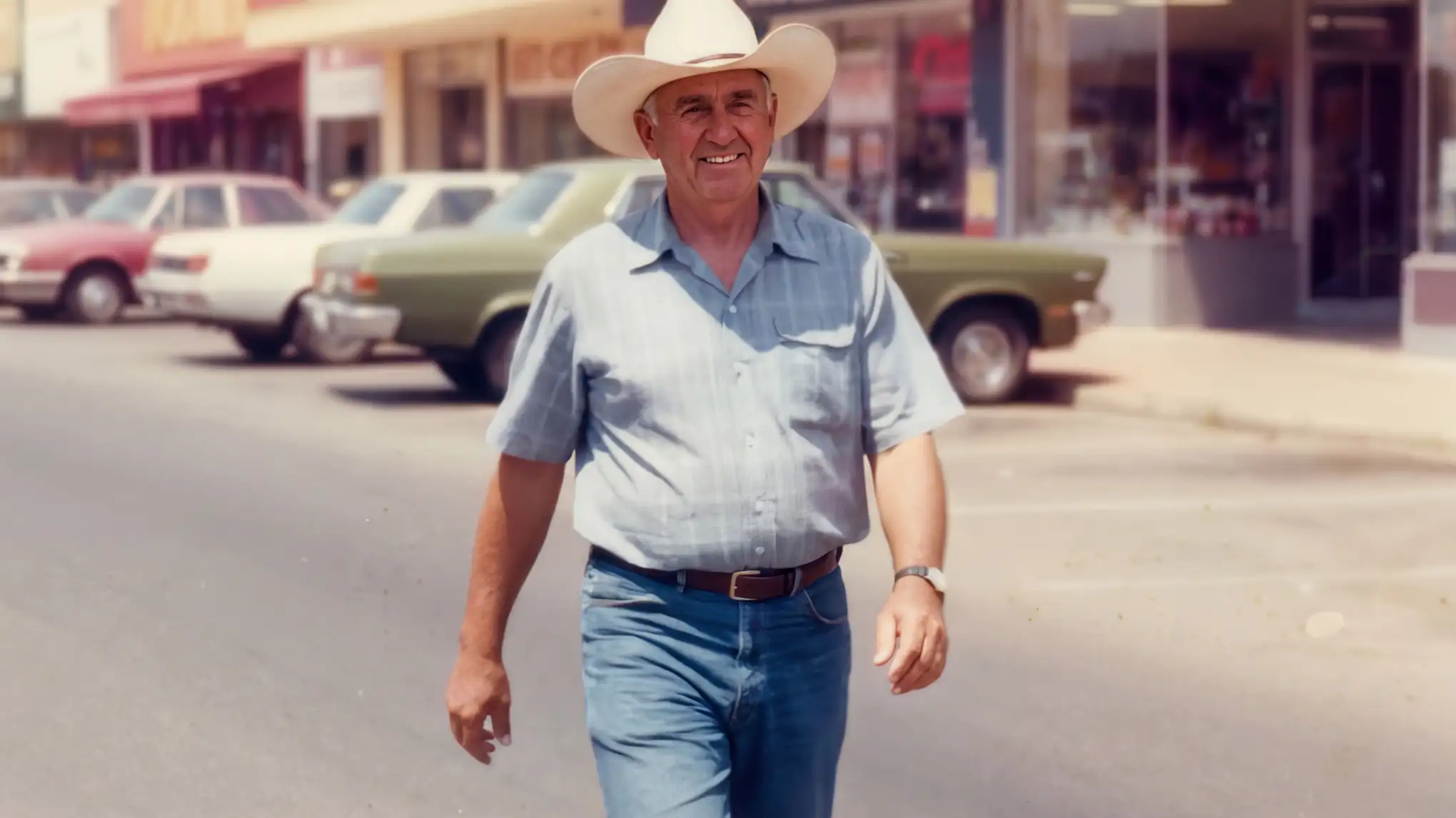
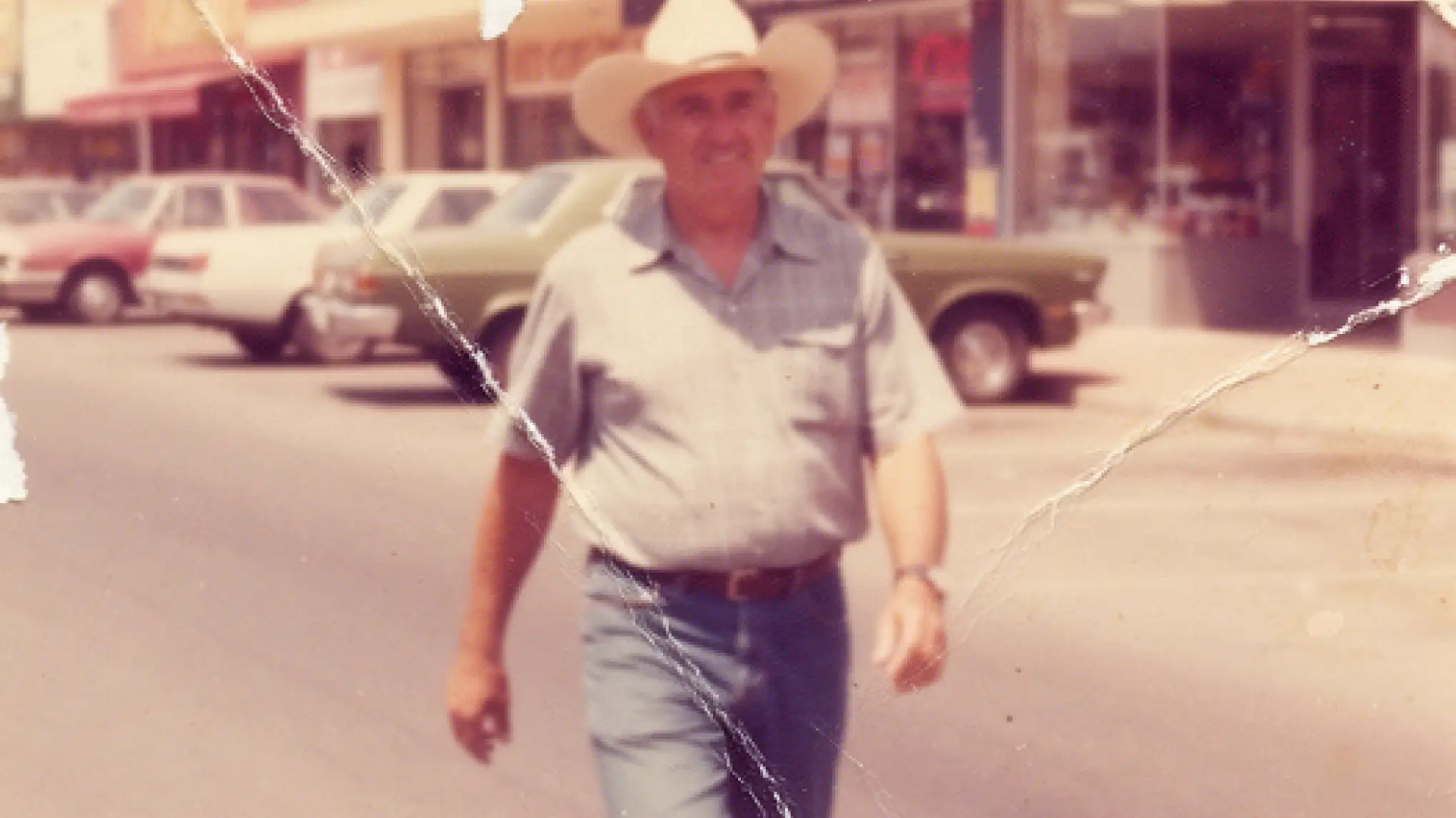
What is AI photo restoration?+
AI photo restoration uses deep-learning models to repair scratches, sharpen blurred faces, colorize black-and-white prints, fix faded color, and remove stains, dust and tape marks — all in a single pass. ZNIX.ai routes your scan to one of five engines — GFPGAN, CodeFormer, DeOldify, SwinIR and a Photo-Restore XL multi-pass pipeline — so you can pick the strongest model per photo. Family portraits, museum archives, wedding heirlooms, military service photos — bring them back to life.
Is the AI photo restorer free?+
Yes. The Trial pack starts at $3 and includes 600 credits, enough to try the workflow end to end. Paid plans start under $20/month and unlock the Photo-Restore XL all-in-one engine, batch queues, the colorization model, and priority queue. No watermark on free or paid output. Compared to traditional restoration studios charging $50–$300 per photo, the cost-per-photo is typically 99%+ lower.
Which engine should I pick?+
Light damage + family portraits → GFPGAN (the default) with Scratch Removal. Severely damaged or very low-res faces → CodeFormer at w0.5–0.7 (preserves identity). B&W or sepia with no scratches → DeOldify alone. Fabric, backgrounds, paper grain → SwinIR. Multi-damage (scratches + fade + low-res + B&W) → Photo-Restore XL all-in-one. The right engine halves your re-render rate.
How long does a restoration take?+
Most single-pass restorations finish in 15–25 seconds. Photo-Restore XL with all four passes (scratch + colorize + denoise + face) takes 30–60 seconds. Batch queues run in parallel, so 50 family-album scans usually finish inside 10 minutes. Compare to studio turnaround of 3–14 days per photo.
Will the AI invent fake details on a relative's face?+
AI restoration models do generate detail in damaged regions — that's how they exceed pixel-by-pixel healing. ZNIX.ai's engines are tuned for fidelity over creative invention; CodeFormer specifically lets you control identity preservation via the w-value (use 0.5–0.7 for faces). Always audit at 100% zoom and compare to surviving color photos. For legal, forensic or genealogical use where invented detail is a liability, lower restoration strength to 30–50% or use GFPGAN alone.
Can DeOldify give realistic colors?+
DeOldify produces era-aware, plausible color — skin tones, hair color, clothing dyes that match historical norms for the photo's decade. It does not "know" the actual color of your great-grandmother's dress. For known relatives, treat colorization as a starting point; lower strength to 50–60% and cross-check against surviving color photos or family memory. For museum-grade work, DeOldify is the strongest open-source option but always disclose colorization in captions.
Can I use restored photos commercially?+
Yes. Every restored output includes a full commercial license — use them in books, films, museum exhibits, brand "Our Story" pages, anywhere. Output is yours. No attribution required and no per-use fees, regardless of volume. The original photo's copyright (if any) is your responsibility — restoration does not create new rights, just a better-quality version of what you already own.
Can I batch restore an entire family album?+
Yes, on paid plans. Drop up to 100 photos per batch, pick one engine + pass combo, and the queue runs in parallel. Common workflows: families digitizing a 200-photo grandparent album, museums batching a county historical archive, wedding photographers restoring a couple's combined heritage prints. Mix engines per batch by uploading separately.
Are my family photos kept private?+
Yes. Photos uploaded to ZNIX.ai are processed in-session and auto-deleted after restoration completes. They are never added to any training dataset, shown to other users, or shared with third parties. Your photo, your data, your output. Premium plans include private workspaces with no provider-side logging — important for sensitive estate, legal or memorial work.
How is this different from sending to a Photoshop retoucher?+
A skilled Photoshop retoucher charges $50–$300 per photo and takes 3–14 days. The result is excellent but unsustainable for a 200-photo family album. ZNIX.ai handles 80% of family-restoration cases at near-studio quality in under a minute, at 1% of the cost. For museum-grade or commercial publication where invented detail is unacceptable, a human retoucher is still the gold standard — use ZNIX.ai for the 80%, send the irreplaceable 20% to a specialist.